Admin users
Admin users are responsible for configuring and managing the e-commerce portal. After logging into the e-commerce administration portal, admin users can set up site configurations, manage in-app text and translations, enable or restrict features, such as abandoned cart notifications. These settings ensure that the e-commerce experience aligns with business rules and customer needs.
Admin user login
You can access and manage your assigned e-commerce portal settings as an admin. Before proceeding, ensure that your credentials have been created and the integration with Business Central is appropriately configured.
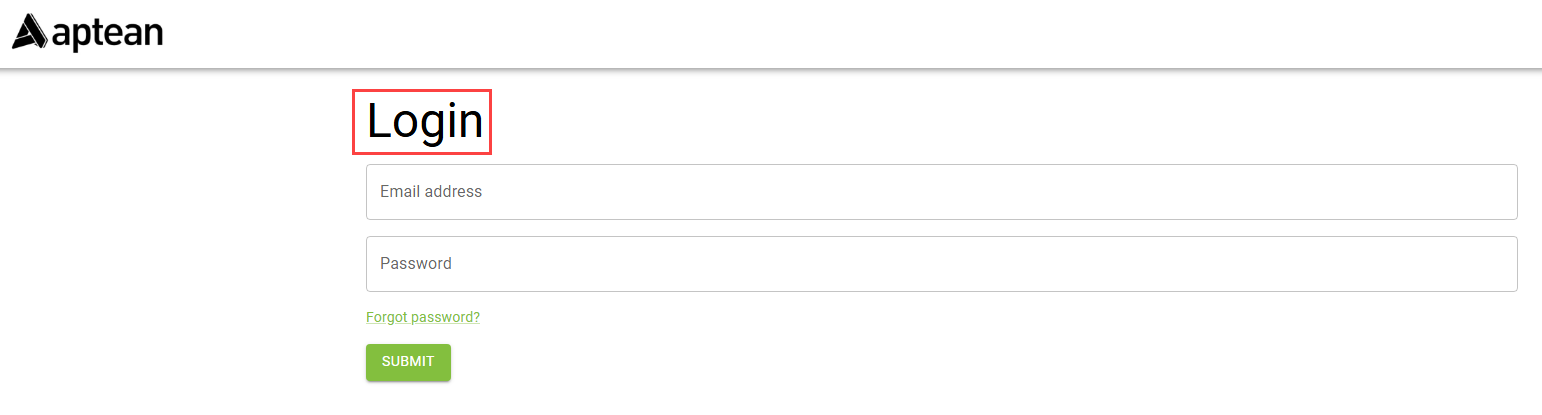
To log in as an admin, follow these steps:
- Open the preferred browser.
- Go to the e-commerce administration Login page.
- In the Email address field, enter your email ID.
- In the Password field, enter your password.
-
Select SUBMIT to proceed with your credentials.
The admin log in is complete.
If the login fails, the system displays an error message.